 Wiki
Wiki
Tree manipulation
This page describes how you can manipulate the note tree - specifically moving notes.
Drag and drop#
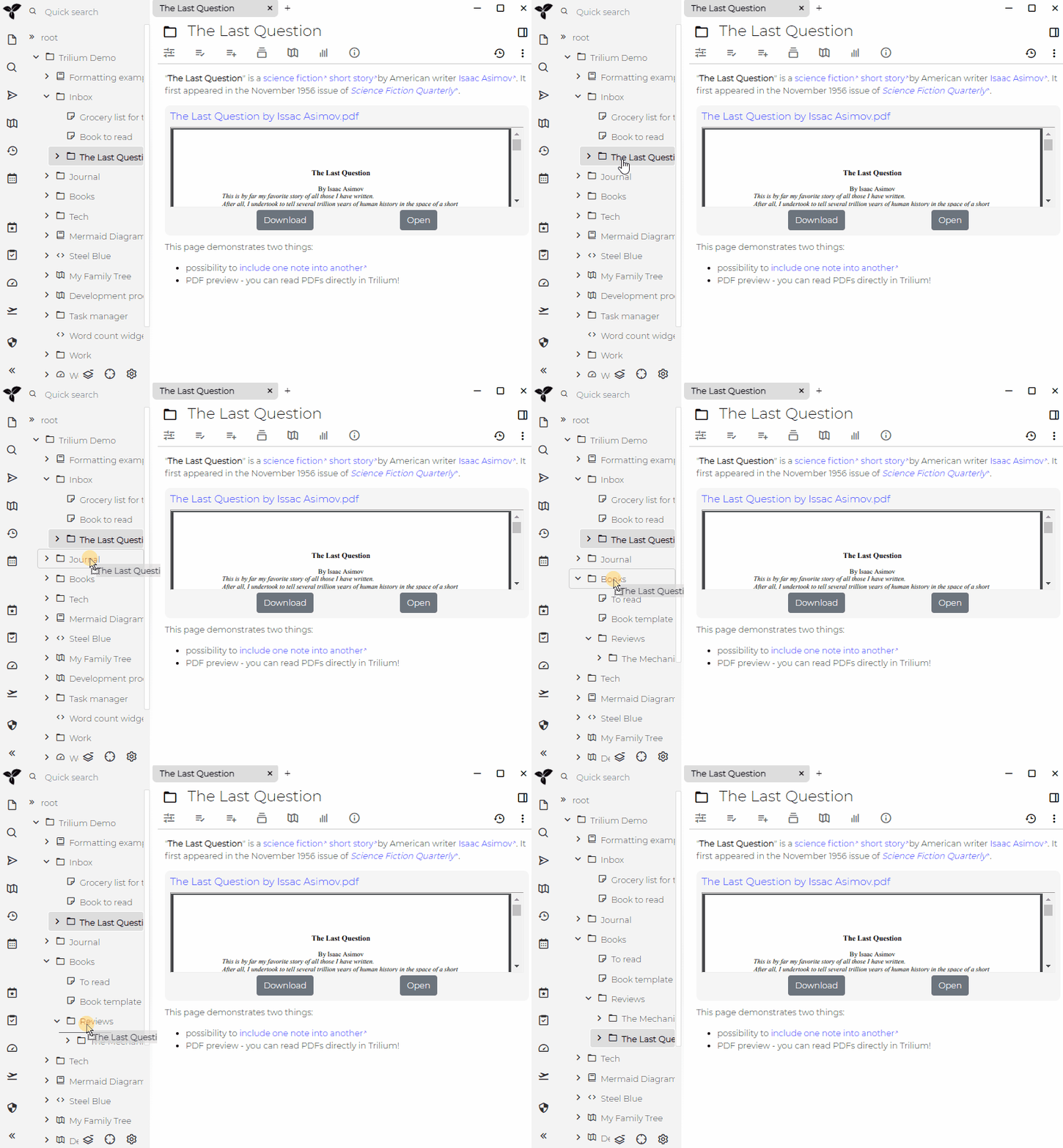
You can manipulate the tree simply by dragging and dropping notes as you can see in the demo:
Keyboard manipulation#
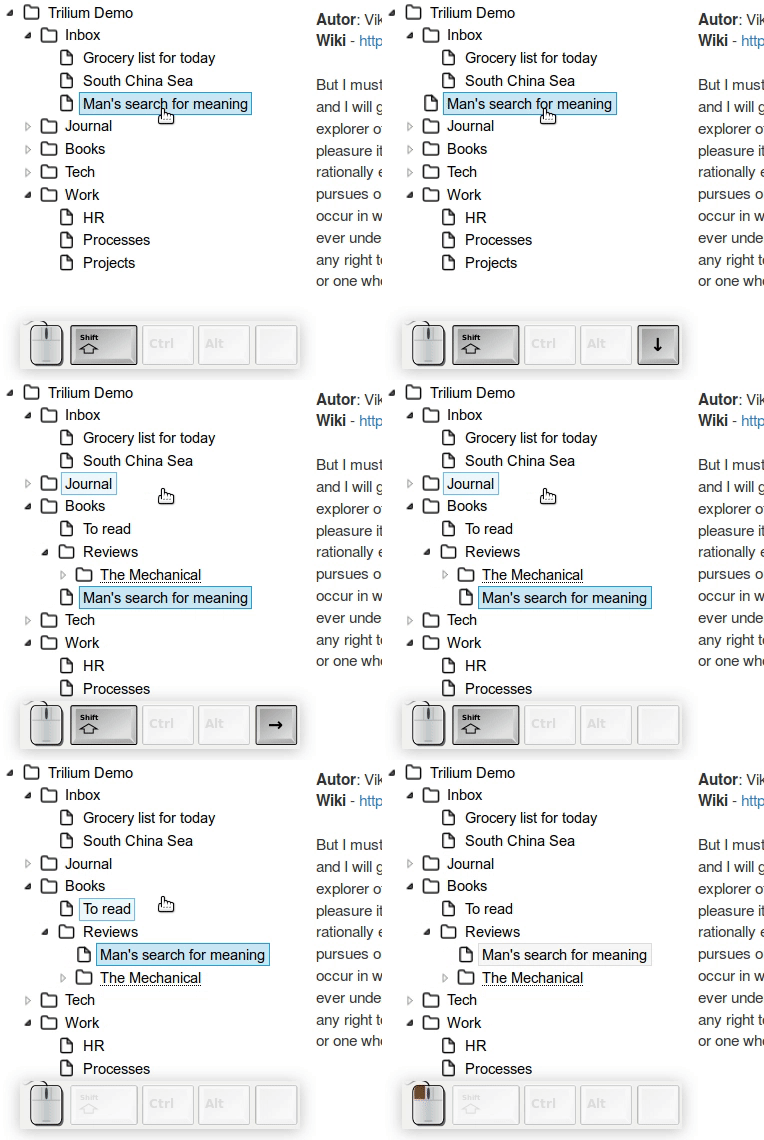
Trilium provides fast keyboard based manipulation with following shortcuts:
CTRL-UPandCTRL-DOWN- move note up or down in the orderCTRL-LEFT- move note upwards in the hierarchy by changing a note's parent to note's parent's parent.CTRL-RIGHT- move note downwards in the hierarchy by setting parent to the note currently above (this is a bit hard to explain - it's best to see a demo or try it for yourself)LEFTandRIGHTexpands and collapses a sub-tree
Context menu#
You can also move notes with familiar cut & paste from context menu or associated keyboard shortcuts CTRL-X (cut) and CTRL-V (paste).